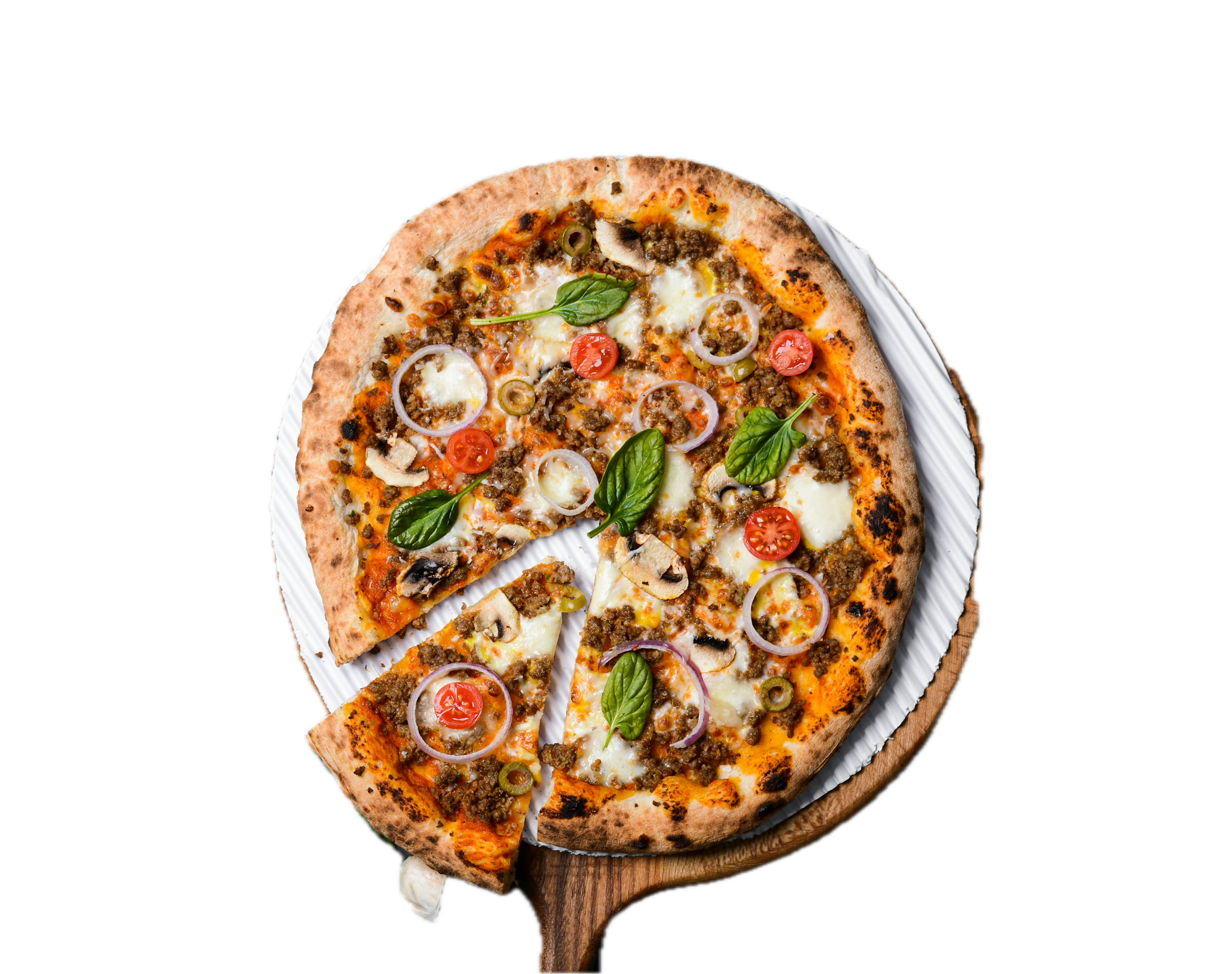
Stone-Fired Pizza
Tomato, mozzarella, basil, and a crisp hand-stretched crust.
For premium restaurants
Kampala Visuals turns ordinary menus into premium visual experiences using realistic food visuals, AI, and 3D/AR-ready presentation.
See PricingHow it works
Guest scans the table QR code with their phone camera.
The menu opens instantly in the browser, with no app download.
Guest taps View Dish to see photos, videos, dish details, and optional previews.
Today at Kampala Bites
Tomato, mozzarella, basil, and a crisp hand-stretched crust.
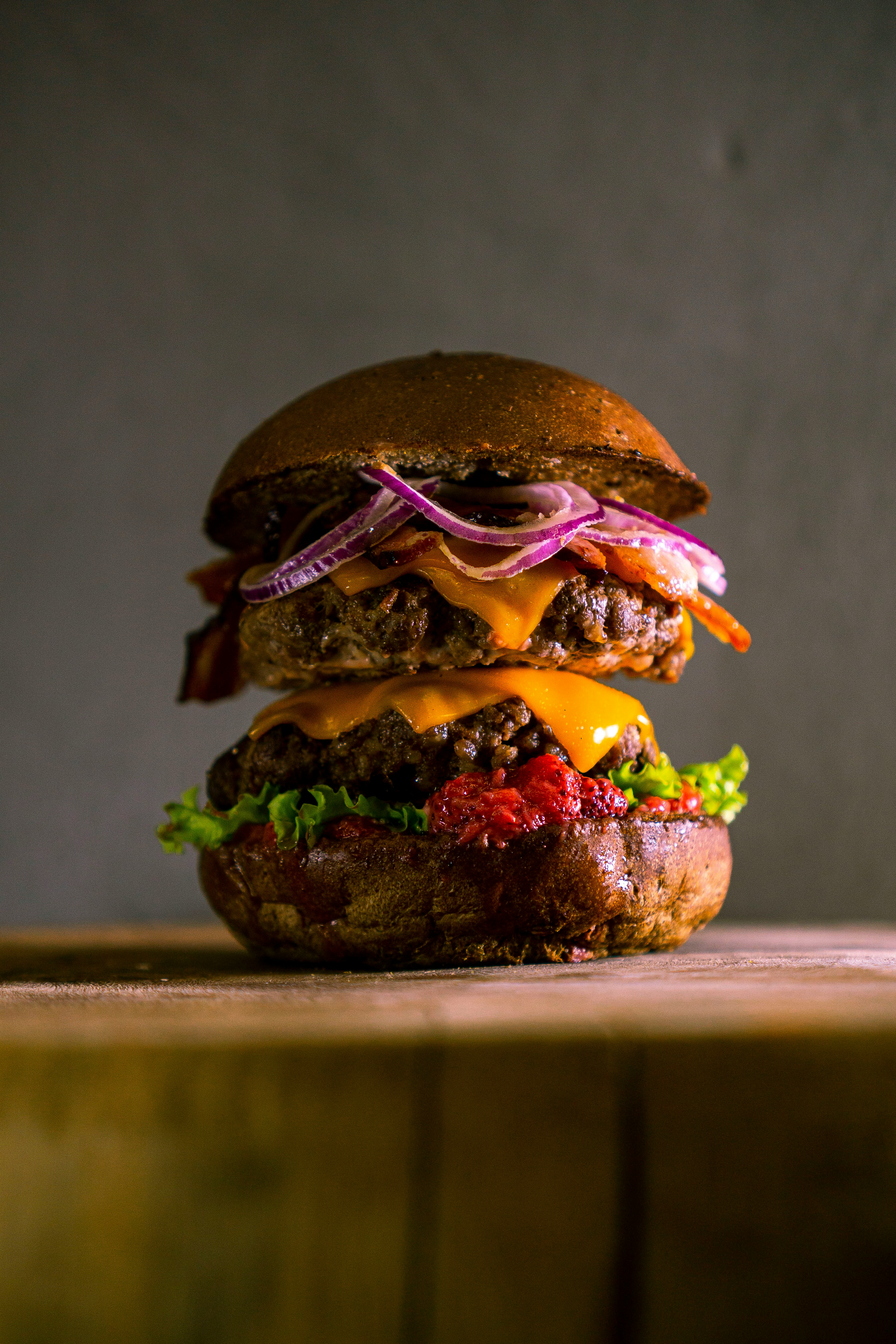
Seared beef patty, cheddar, lettuce, tomato, and house sauce.
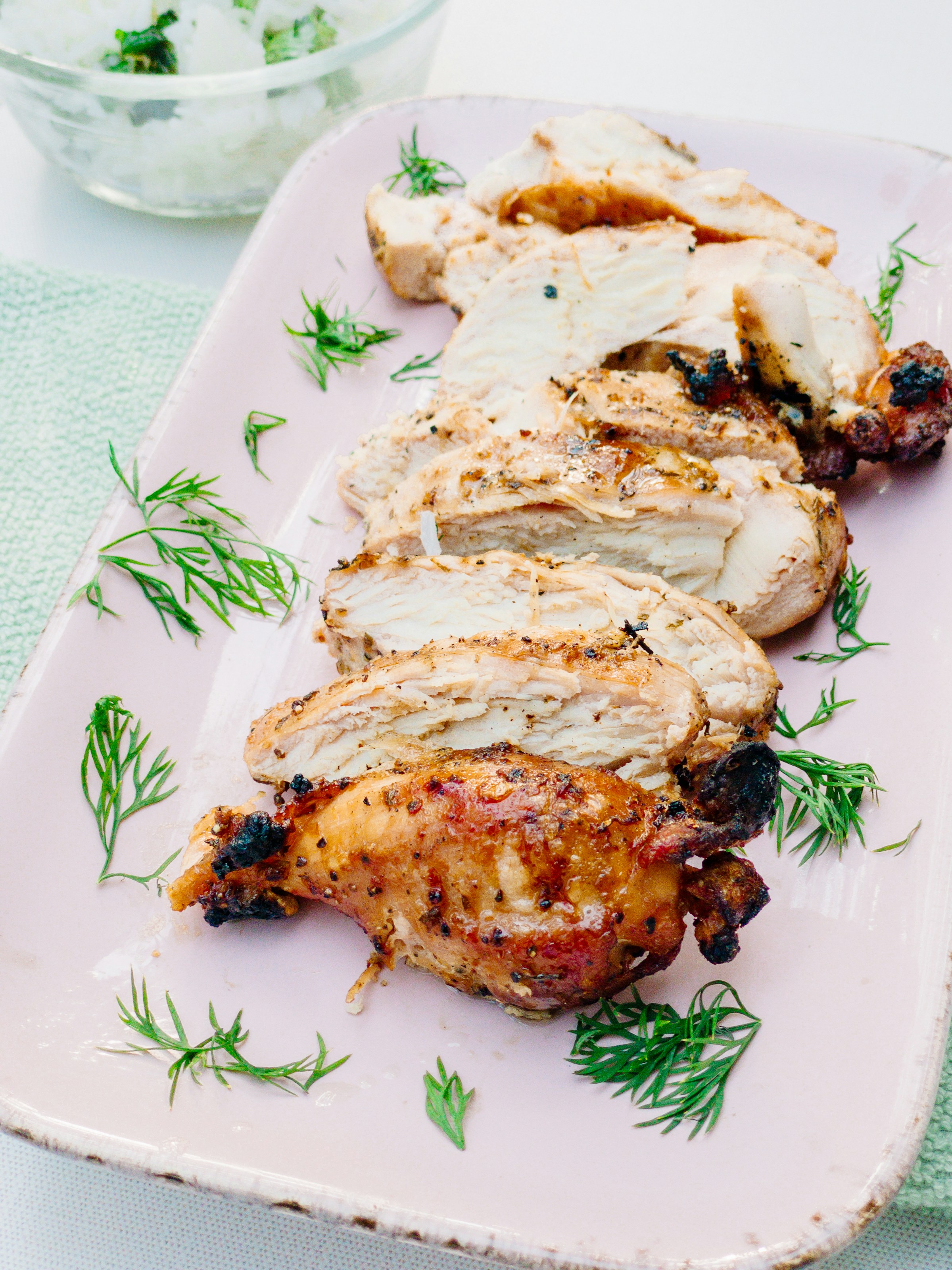
Lemon-herb chicken with sukuma, roasted potatoes, and pan jus.
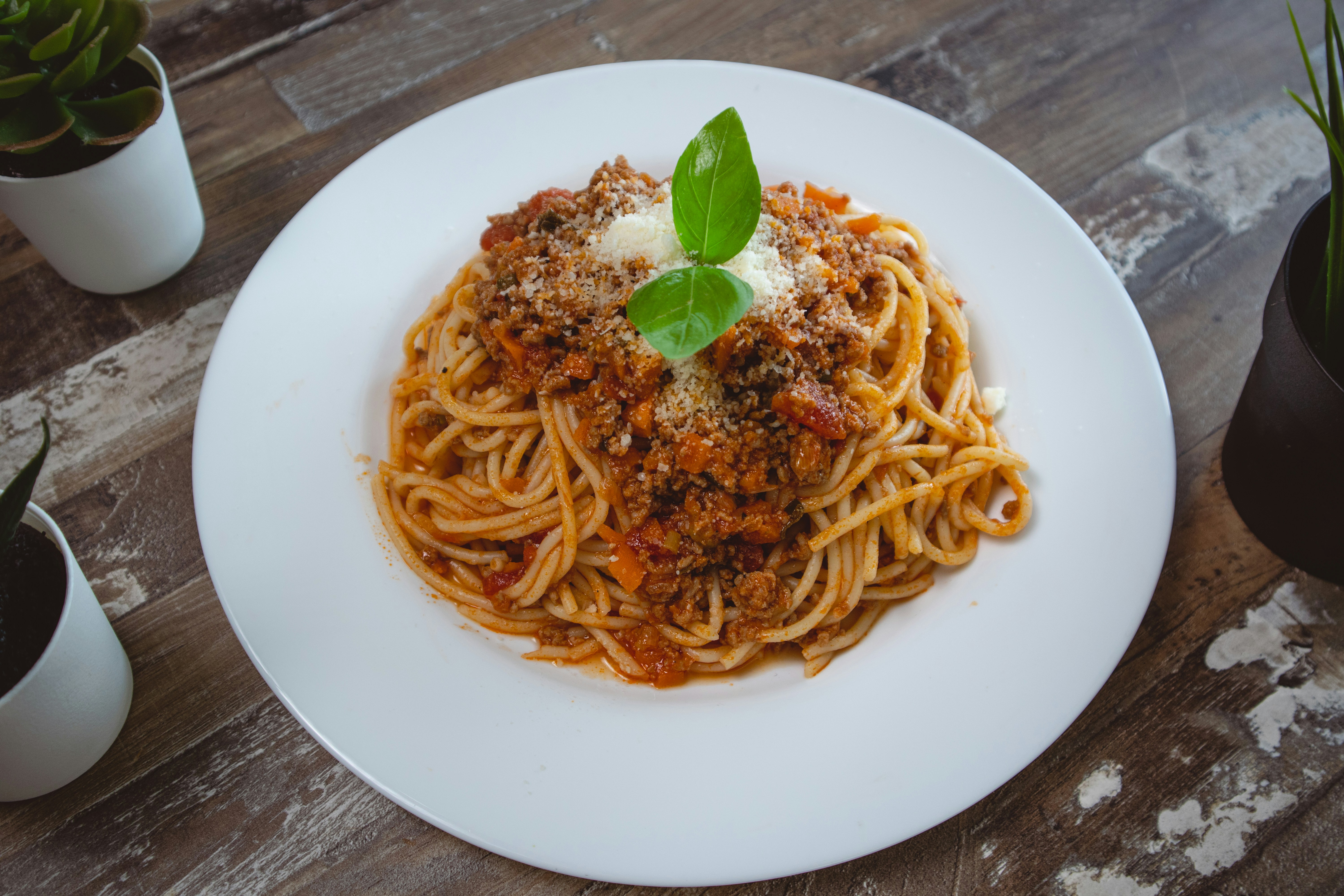
Rigatoni, tomato cream sauce, greens, garlic, and parmesan.
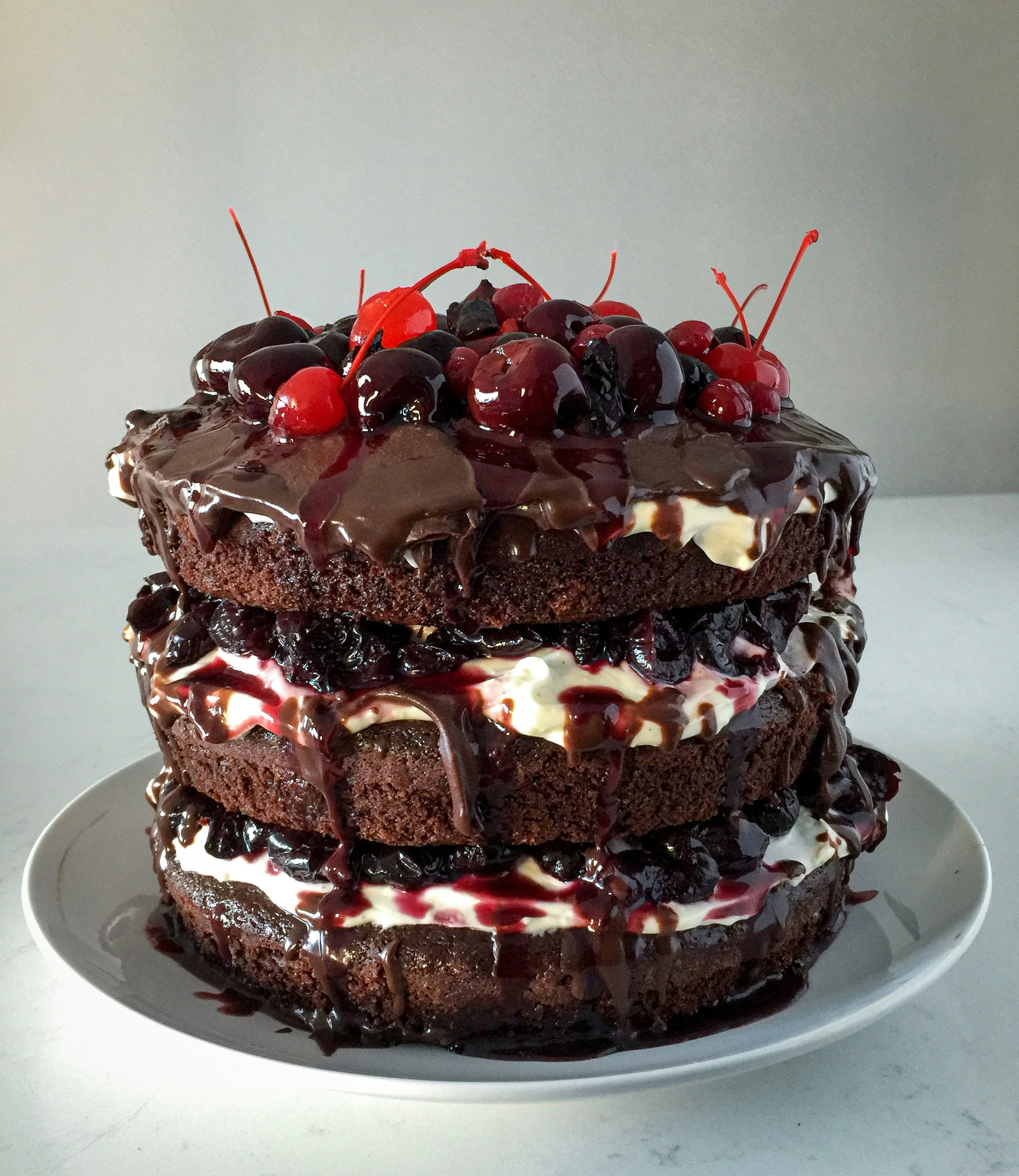
Warm chocolate cake with vanilla cream and passion fruit sauce.